
Integrating your Bookvault account with your Bookshelf account enables print books (paperbacks, hardcovers, special editions), to be added to and purchased through your direct sales store. The integration is specifically for print-on-demand (POD) fulfillment, meaning when an order is placed by a customer, that order is sent directly to Bookvault's internal system to be printed and shipped to the customer by their team.
If you don't already have a Bookvault account, you can sign up for one at https://bookvault.com/. Signing up for a Bookvault account is free, and as long as you integrate your Bookshelf account with your Bookvault account, Bookvault will automatically waive their typical ~$25 upload fee per book project within their platform.
How to Add the Integration
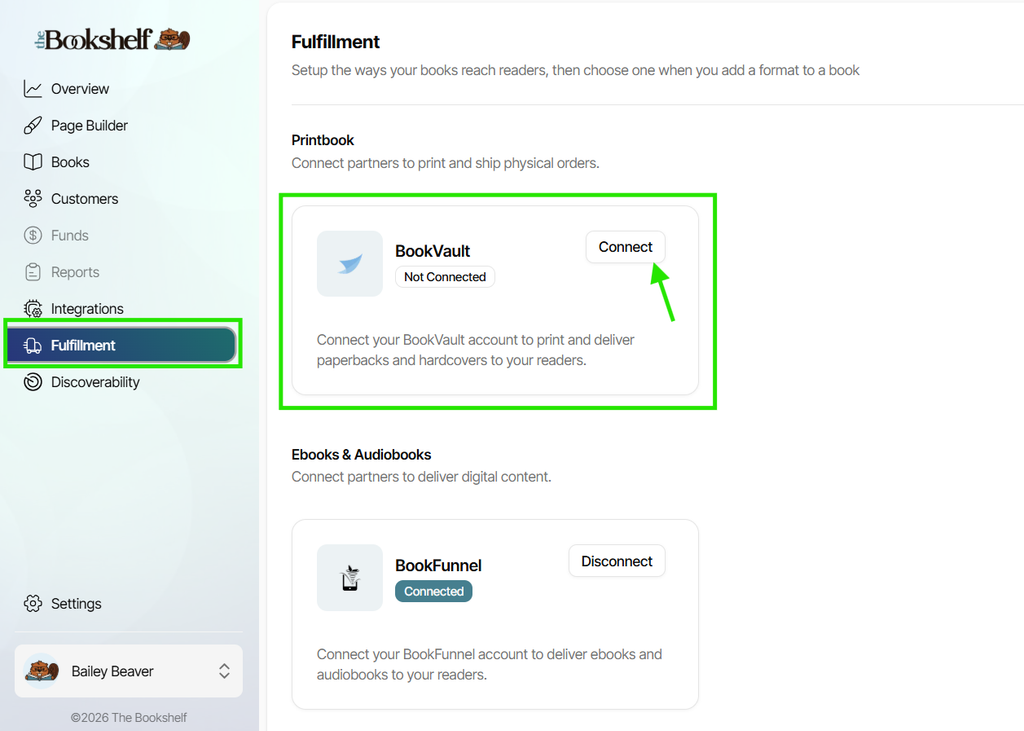
Inside your Bookshelf account, click on Fulfillment in the left-side main menu. Then click on the "Connect" button next to Bookvault under the Print Book section:
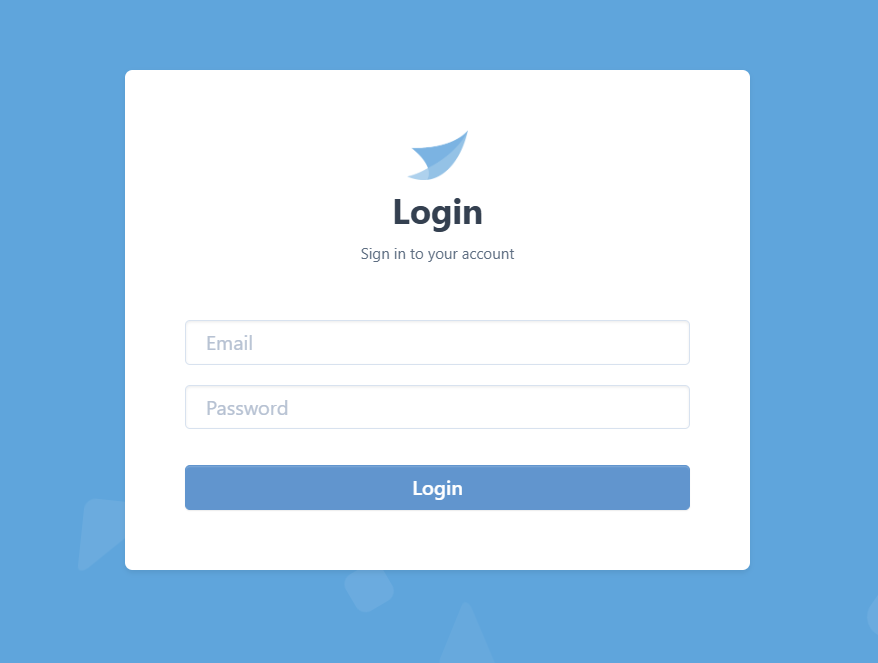
If you're not already logged into your Bookvault account on the browser you're using, you'll be asked to log in:
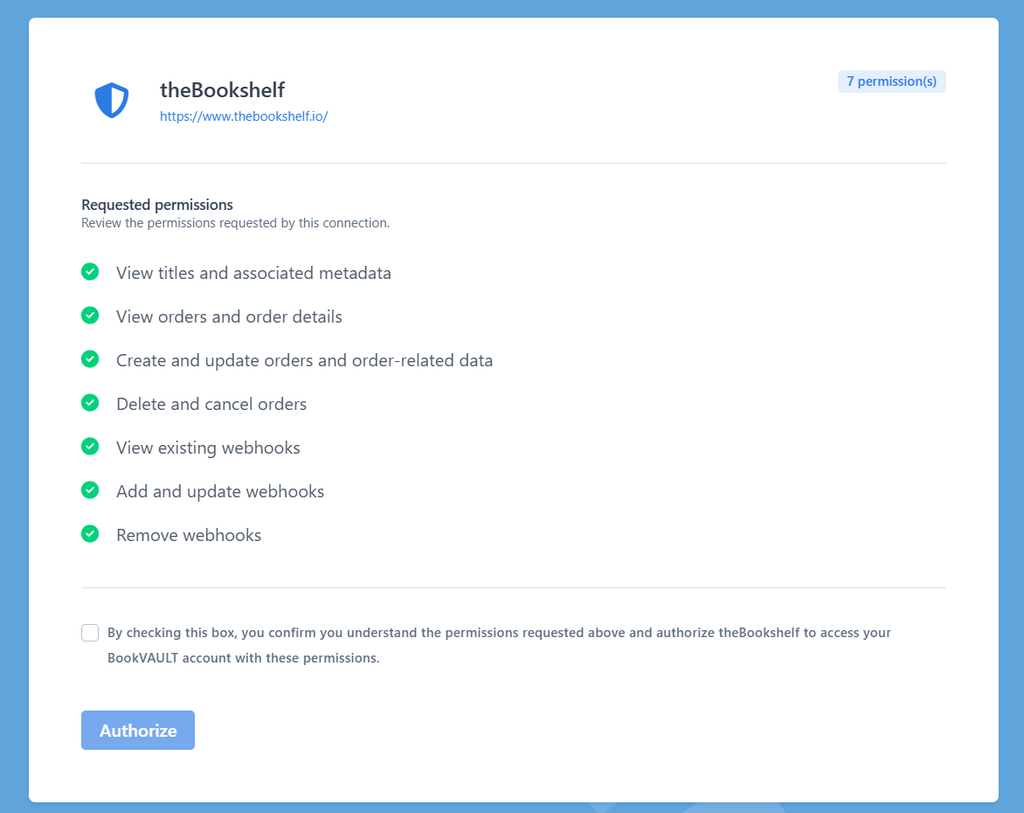
Once you're logged in (or if you were already logged in), you'll just be asked to verify that you allow The Bookshelf a few permissions relating to your Bookvault account. Check the confirmation box, then click "Authorize":
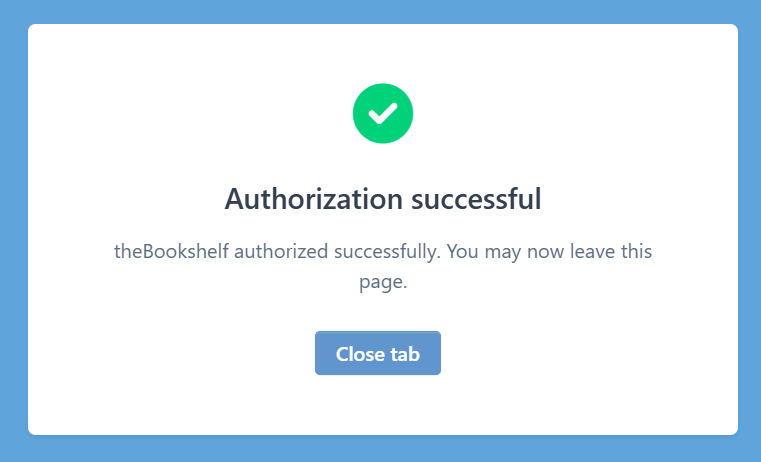
You'll then see an "Authorization successful" message, at which time you can click the "Close tab" button to go back to your Bookshelf account:
You'll then see on the same Fulfillment page of your Bookshelf account as before, your Bookvault integration has now changed to "Connected":
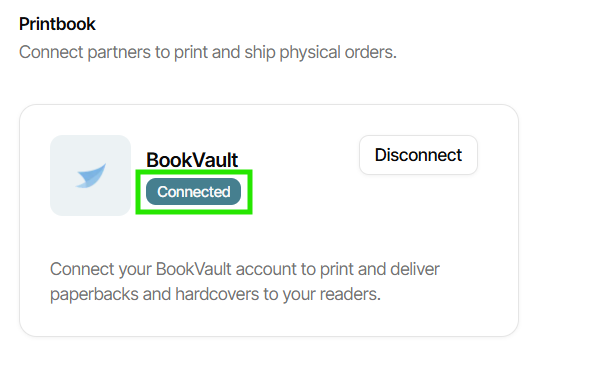
If you need to disconnect your Bookvault account from your Bookshelf account for any reason, just come back to the Fulfillment page and click the "Disconnect" button, then verify in the pop-up that appears that you do want to disconnect it. You'll also need to disconnect it from Bookvault's side, so next, head to this specific link inside your Bookvault account, then click "Manage Integrations," and disconnect your Bookshelf account there. You can always reconnect your Bookvault account directly inside The Bookshelf by following the steps above anytime.
If you have any questions about connecting Bookvault or getting your print books set up to sell direct, feel free to reach out to our team at support@thebookshelf.io.