
The Bookshelf has a selection of professionally-designed website templates available for author to use as the base of their own website, kept inside the Template Gallery. These are created so authors don't have to build their new websites from scratch, and can instead use pre-built theme-focused and purpose-focused templates that also allow for easy customization to best fit your books and brand.
Accessing the Template Gallery
To access the Template Gallery and explore available templates, click on "Page Builder" in the left-side main menu. This will open your "My Projects" page, where the Template Gallery is also accessible either by clicking on the "Templates" tab at the top of the page:

Or by scrolling down the My Projects page to find a templates search feature as well as a sampling of some templates already pulled up:
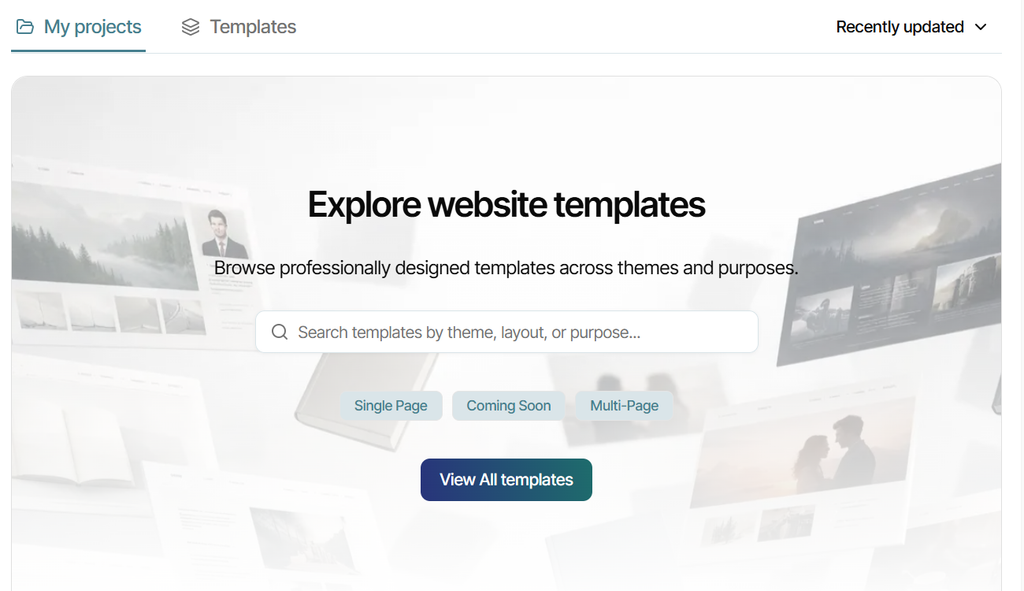
You can click either the Templates tab at the top of the page or the blue "View All Templates" button in the Explore Website Templates section to access the full list of currently-available templates. To narrow the selection of templates, you can search by functional terms, such as "Single Page" or "Multi-Page," as well as by theme descriptors, such as "Cozy," "Romantic," or "Mysterious."
Adding a Template to Your Projects
All templates inside the Gallery will appear as thumbnail versions of their homepage. To view the template before adding it to your projects, just click on the thumbnail. It will open a preview version of the template, which you can scroll through freely. If the template consists of multiple pre-built pages, you can also click through to those additional pages to view them. Other buttons will not be clickable.
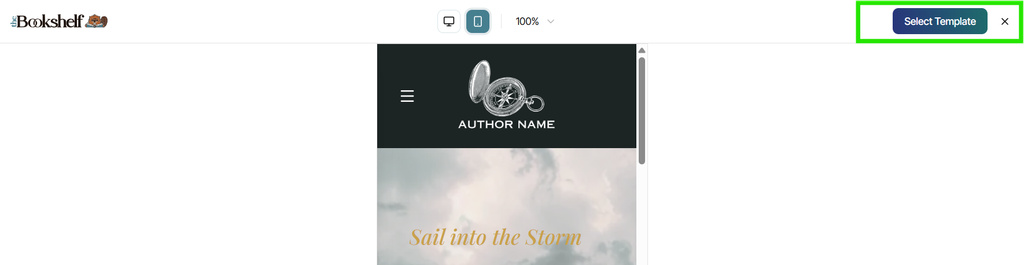
You can also see a preview of the mobile version layout of the template by clicking on the mobile icon in the top middle of the preview screen:

If you don't want to add the opened template to your projects for editing, just click the X button in the upper right corner to go back to the Template Gallery. If you would like to add this template to your projects, click the "Select Template" button, also located in the upper right corner:
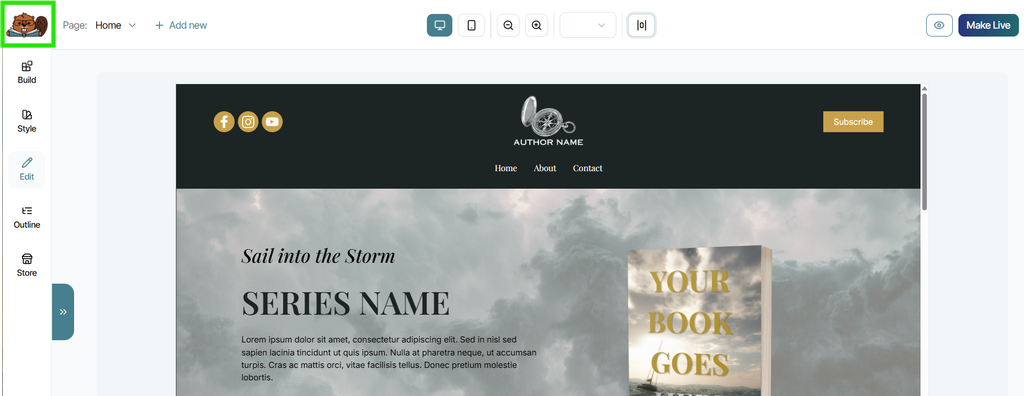
When you click "Select Template," You will be asked to rename the template to save it as a new project to your My Projects page. Once you do, the project will open automatically in the Page Builder so you can begin customizing it. If you prefer not to begin working on your new project, just click the Bailey Beaver logo in the top left corner of the Builder to exit back to your My Projects page:
You can add as many templates to your My Projects page as you would like, including adding duplicates of the same template. However, you can only make any single website project live at one time. Unedited templates are fully functional websites that can also be made live, so always be sure to edit templates to include your own books and branding before publishing them.
Additional Helpful Tips
Adding an array of templates to your Projects page to experiment with is encouraged! That way you can see which template works best for your and your preferences. Remember that just because a template is labeled with a specific theme doesn't mean it can't be suitable for you and your books, because all templates are fully customizable. So prioritize a template's layout and primary function (e.g. multi-page, newsletter sign-up focused, direct-sales focused, etc.) over its design elements, which can all be replaced with your own content and brand details.
All edits made to any template or project inside the Page Builder save automatically, even if that project has not been published live. Keep this in mind as you experiment with making a project your own. If at any time you would like to start over with a template, simply find it in the Template Gallery and add it to your account as a new project. This will not override the previous version of the template you added—both will remain as separate projects inside your account.
The Bookshelf is continuously designing and adding brand new templates meant to serve an array of themes and purposes, so be sure to check out the Template Gallery on occasion to explore new options or get inspiration for design ideas for your current website!